
Deal activity and trends
You are conducting market analysis to understand the deal flow trends in your market of interest and see if there are any insights relevant to your business. There are many ways to identify specific trends and we’ve outlined a couple of journeys most commonly used by customers.
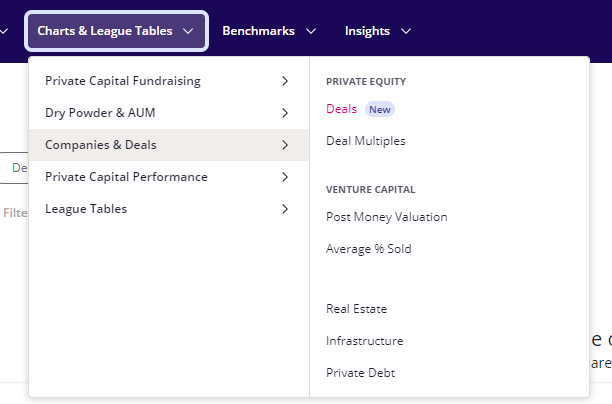
Go to ‘Charts & League Tables’ > ‘Companies & Deals’ > ‘Private Equity’ and select ‘Deals’ or ‘Deal Multiples’.
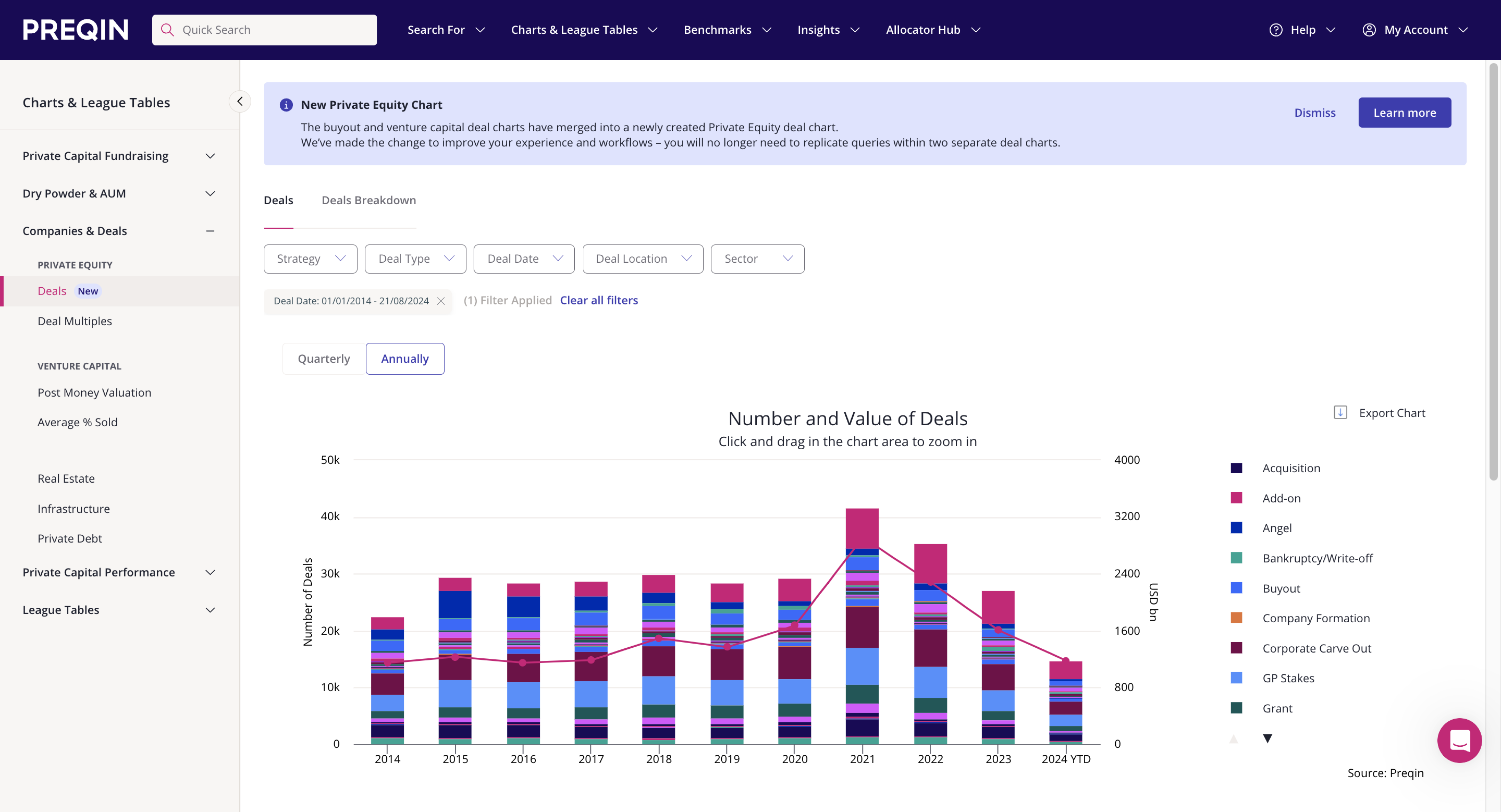
Apply filters such as strategy, deal type, location, and sector.
You can now see a breakdown over time and export the data for further analysis if needed.


You are trying to understand recent exits which are aligned to your strategy this year.
Go to ‘Search for’ > ‘Companies & Deals’ > ‘Deal Search’.
Apply the relevant filters to see the most recent deals associated with your strategy.
Once you have a view of the deals associated with your strategy, there are some important actions you can take:
Save the search so you can re-run in the future.
Export the data to Excel to perform off-platform analysis.
Access further insights on an individual deal to learn more about its investors, service providers, enterprise value, and other characteristics.

Deal alerts
Create deal alerts to stay on top of the latest transactions in your target market. Once created, Preqin will send you the alert via email for the criteria you have chosen.
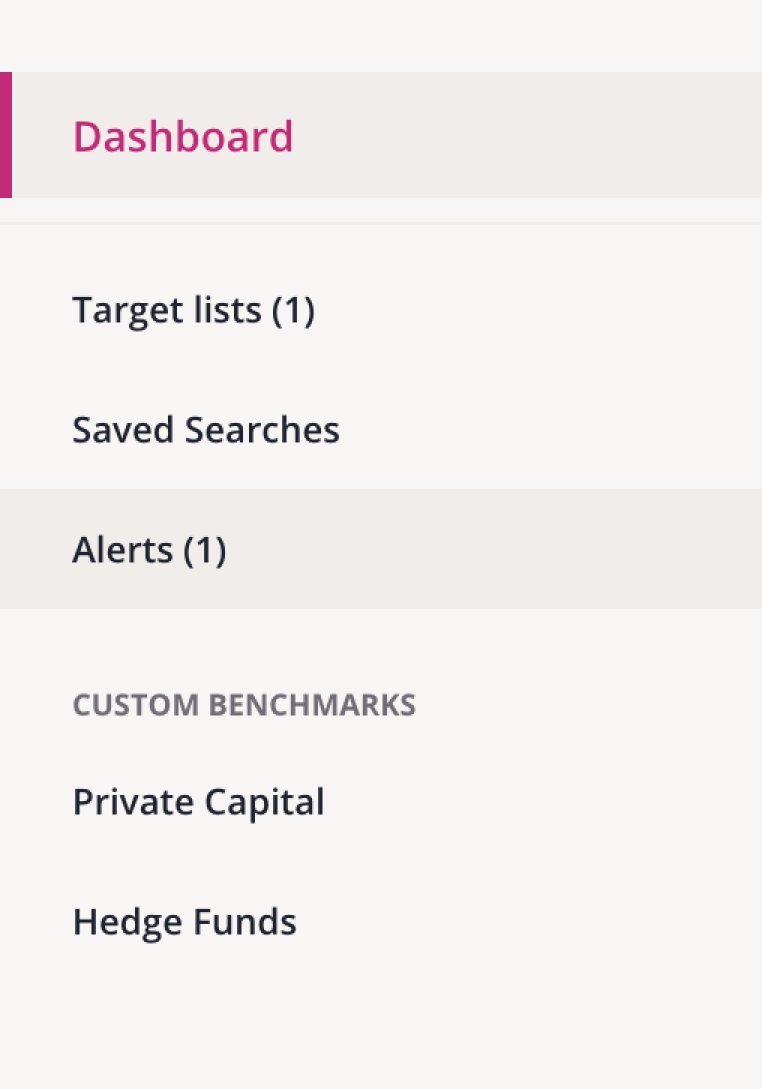
Go to ‘Alerts’ on the left-hand navigation bar when you log into Preqin Pro.
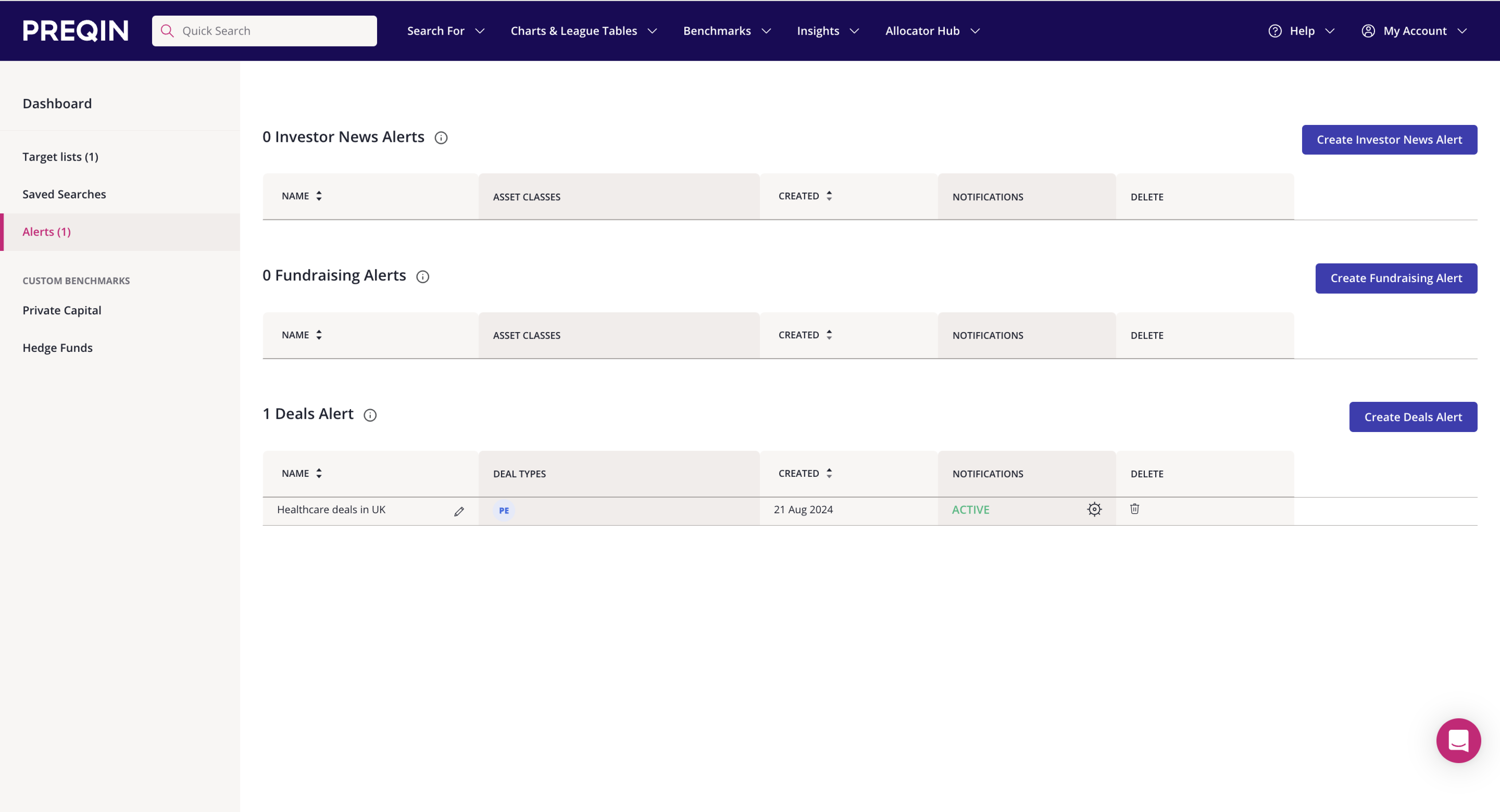
Create a new ‘Deal Alert’.
Name your alert and select its required parameters – including frequency, sector, region, and asset class.
Click ‘Create Alert’.
You can manage your alerts from the alerts dashboard.


Competitor analysis
Are you interested in learning more about the deal activity of other fund managers? If so, you may have a target list of managers or a single manager you to want review.
To understand the deal activity of a list of fund managers:
Go to ‘Search For’ > ‘Companies & Deals’ > ‘Deal Search’ > ‘Private Equity’.
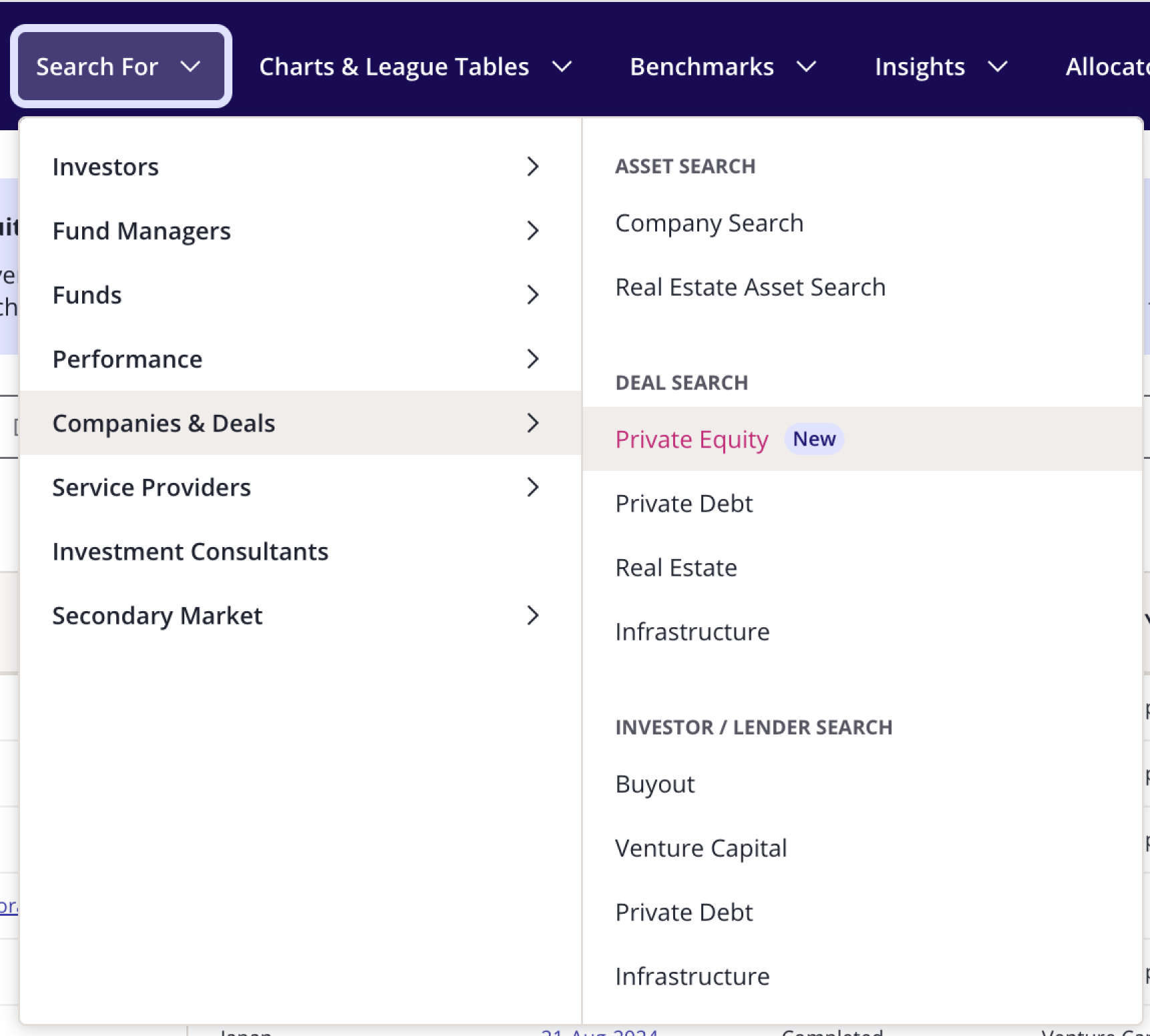
Use the keyword search to add investors to your search criteria.
You can then export the list of deals associated with those investors for further analysis offline.



Viewing the deals and assets for a select fund manager:
Go to ‘Quick search’ and type the name of the fund manager you are interested in viewing.
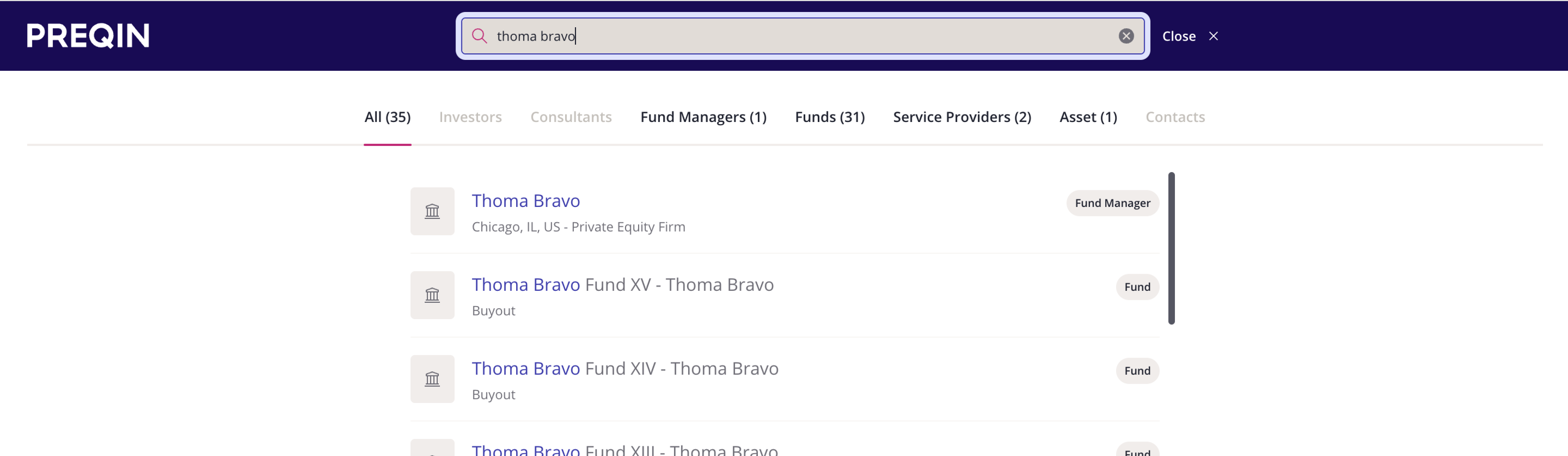
Select the manager and navigate to the ‘Deals/Assets’ tab on their profile.
Select the deal type you are interested in reviewing (private equity, venture capital, infrastructure, debt, real estate).
You can quickly view their deal history – including such characteristics as target, deal type, ownership status (active vs realized), associated fund, seller, lead partner, and more.
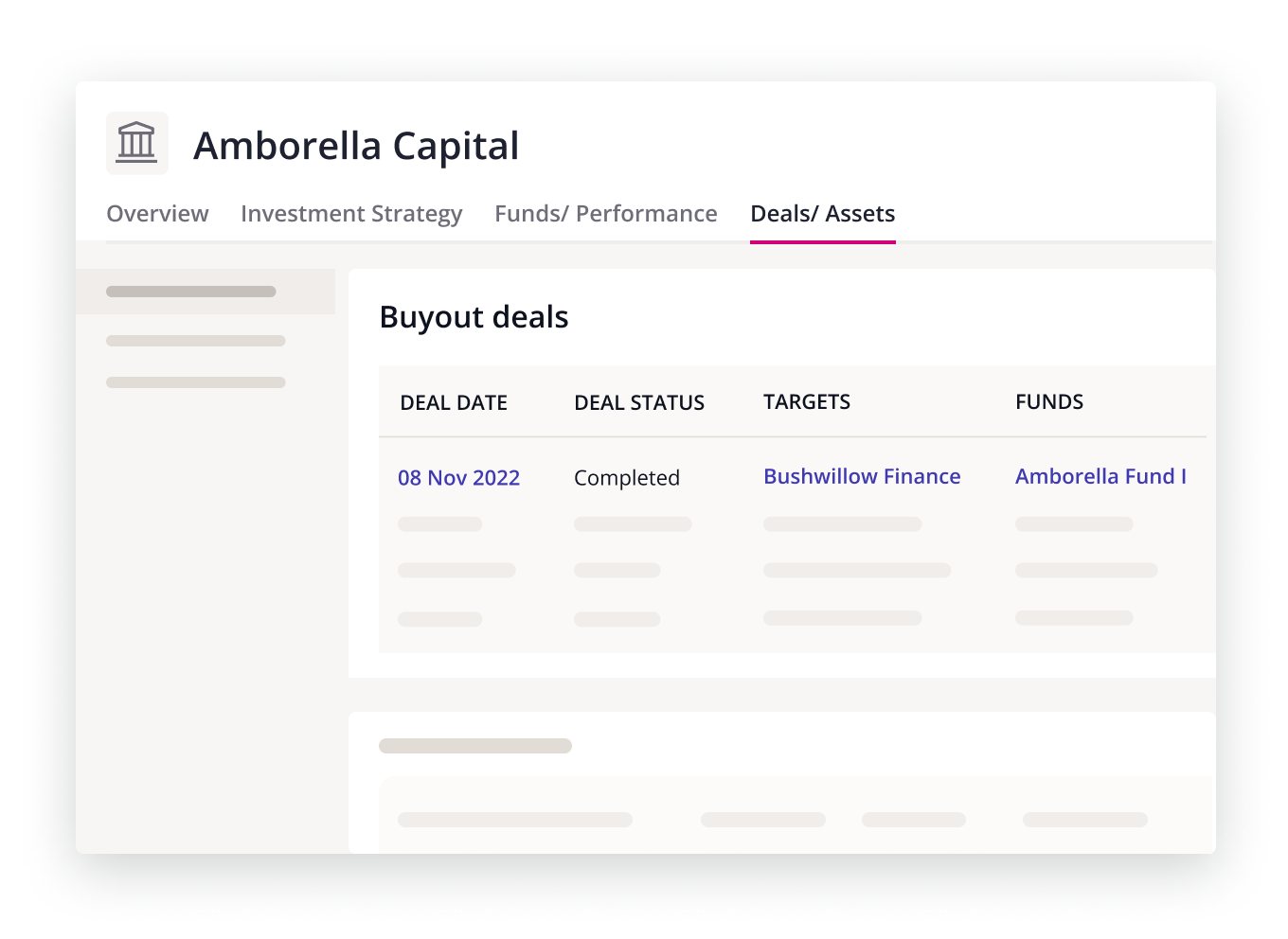
From here you can view individual deals or export the data for off-platform analysis.

